Theme editor

Scale Model Shop

1/35 Meng WWI MkV Female Heavy Tank

Bigfoot57

Active member
Joined
Jun 24, 2015
Messages
1,190
Reaction score
322
Points
83
Age
68
Location
Weston Super Mare
First Name
Colin
Location
Originally a small village outside of Reading Berkshire called Burghfield Common
1/3
Thread owner
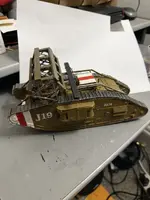
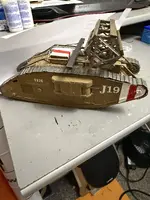
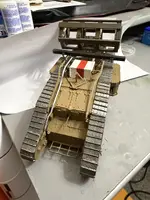
So for my next build as the title says it’s another 1/35 WWI Tank this time the Meng version of a Mk V Female
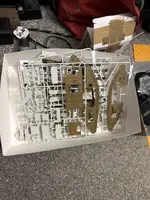
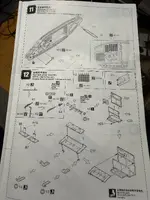
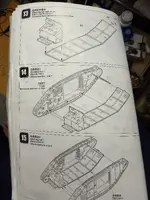
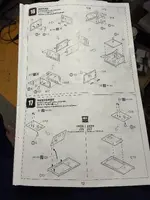
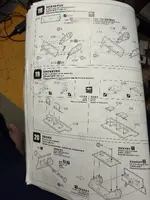
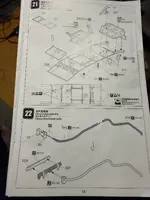
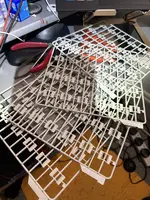
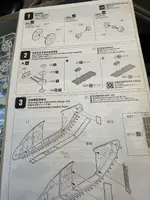
So first off is the obligatory instructions and a quick look at the sprues before commencing construction this is very similar to the Mk V Male tank and I wouldn’t be surprised if it uses the same parts
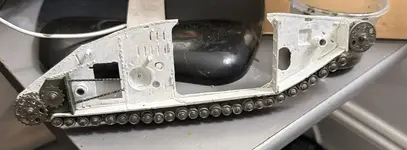
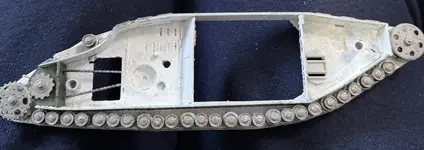
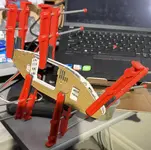
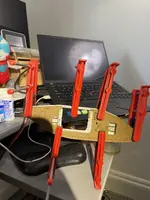
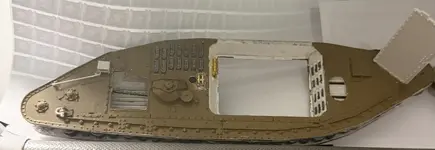
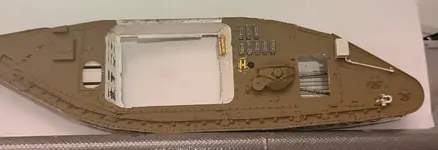
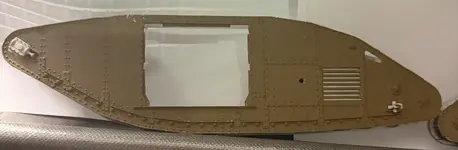
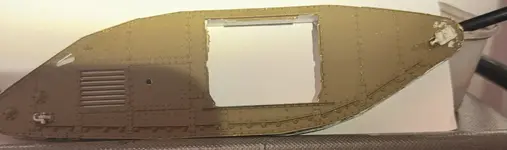
So I painted the inner sections of the running gear white then joined them together along with the wheels sprockets and idlers then clamp them together until they were dry
The paint used for this model were Revel's Aqueous various shades of brown, khaki , bronze green, white & silver & Ghalari Metalic Pens various shades of gun metal , dark steel & gold
IMG_6202.webp
IMG_6213.webpIMG_6215.webpIMG_6216.webpIMG_6217.webp
IMG_6210.webp
 
Last edited:
Thread owner
Joining the sections together
Unless you are going to display your models interior, which is sparce to say the least most of the paintwork for the interior the road wheels the idlers and the sprockets will be invisible when the two sections are joined together so in reality if you’re not gonna display the interior then you might not bother painting any of it
There is an option for displaying an in transit version where the sponsons are retracted as would be if it was in transport mode, but I’m not doing that. I’m doing a normal battle mode so none of my interior will be visible.
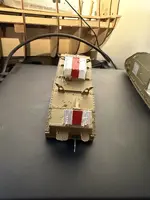
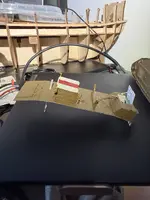
Finally, in this section I did some detail painting namely the red & white stripes which were done IMG_6229.webpIMG_6230.webpIMG_6232.webpIMG_6233.webpIMG_6246.webpIMG_6251.webpIMG_6252.webpIMG_6250.webpIMG_6255.webpfreehand as they were probably done this way in the actual field of operations using brushes I then joined all the bits together to form the basic tank minus the sponsons and tracks then clamped it together until dry
 
Thread owner
Adding tbe Machine Gun Sponsons & Clamping it together
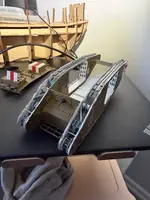
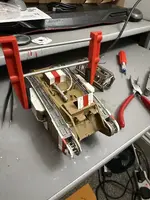
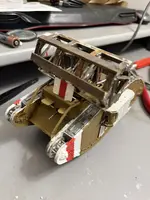
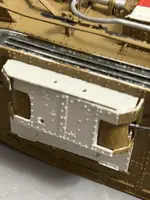
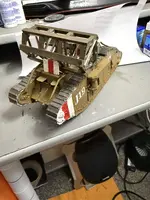
So as the heading says this time we’re adding the machine gun sponsors and then clamping it all together until the glue is set and whilst that was setting I built the trenching device. I’m painted it as you can see we have a few fit issues with the machine gun sponsors which necessitated the use of filler with that done all we have to do now is to add the tracks. IMG_6285.webpIMG_6286.webpIMG_6287.webpIMG_6288.webpIMG_6295.webp
 
Thread owner
Adding the Tracks & Finishing
So it’s my least favourite part of the build which is making up tracks as I don’t have a lot of success with my track building. I seem to be unable to enable them to stay in one piece before I get them around the designated area of the model as with the case with these so they were glued on 4 pieces at a time until the entire track was done this is lending some places to it not laying correctly, but it’s the best I can do
With the tracks attached, they were painted again using the Gaahleri dark steel metallic marker but this time the paint was applied using a brush
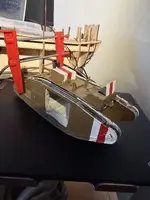
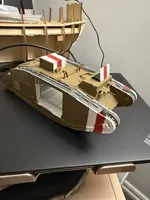
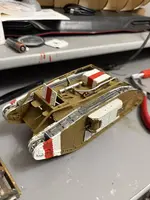
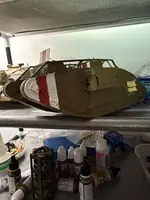
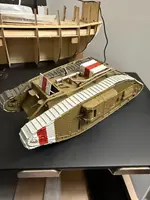
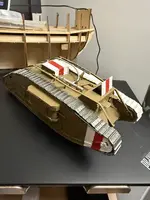
After that the decals were added both the beam and the Trench crossing facade device were added to the top of the vehicle and that’s it finishedIMG_6296.webpIMG_6300.webpIMG_6299.webpIMG_6329.webpIMG_6328.webpIMG_6330.webpIMG_6331.webp
 
Back
Top